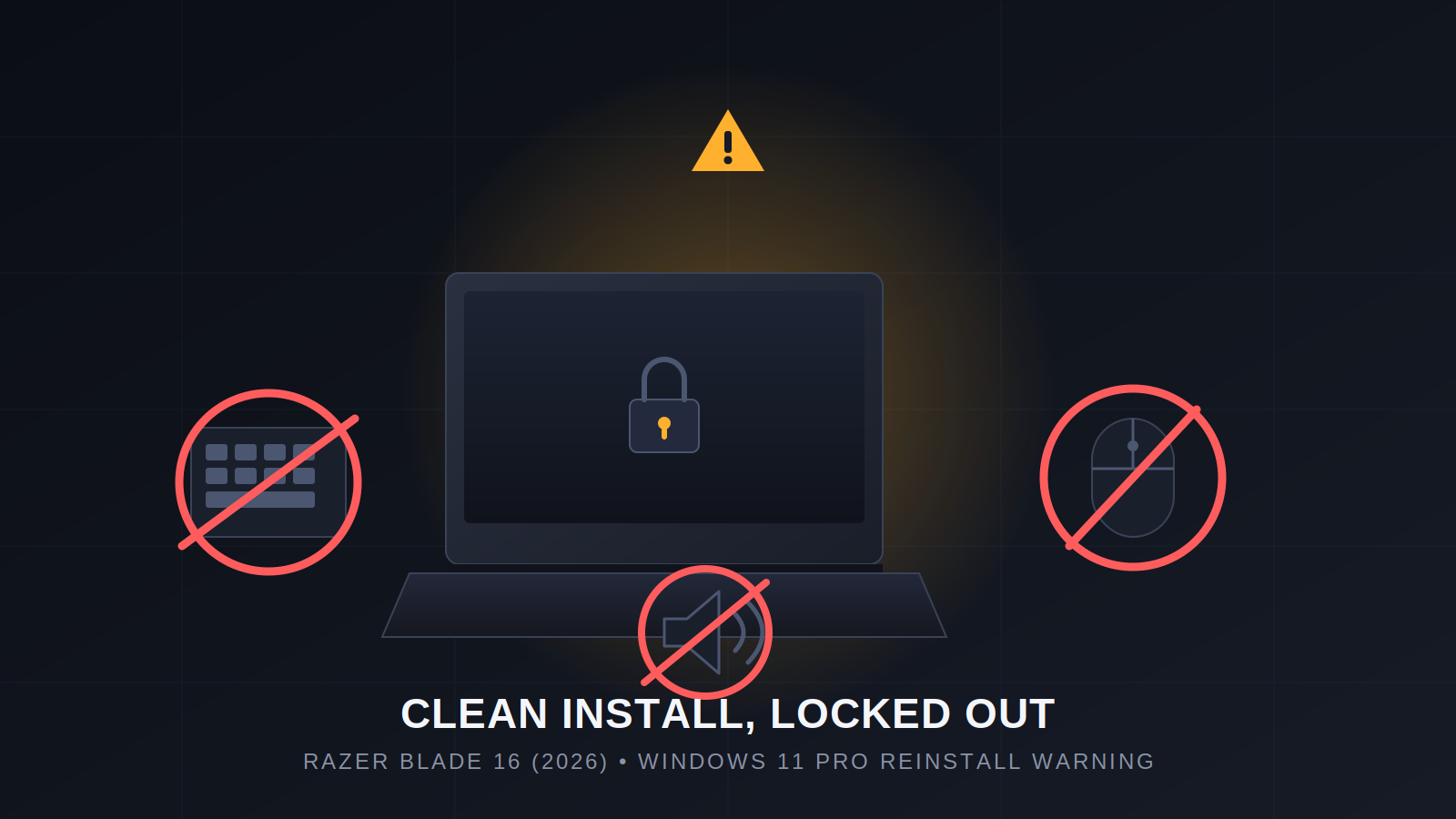
Warning for IT Pros: Reinstalling Windows 11 Pro on the New Razer Blade 16 (2026) Broke Our Keyboard, Mouse, and Audio
If you manage devices for a company and your workflow involves joining machines to a domain controller, you've probably done this a hundred times: buy a laptop, wipe the OEM install, throw on a clean Windows 11 Pro image via a USB installer, join it to the domain, ship it out. It's routine. It's boring. It's not supposed to be a story.
Last week it became one, when we did exactly that to a brand-new Razer Blade 16 (2026) — and we want other IT admins and tech-savvy users to know what happened before they try the same thing.
The order and the good news first
We bought the laptop directly from Razer.com, and to Razer's credit, the shipping experience was genuinely great — it arrived almost the next day. No complaints there.
Where it went wrong
The Blade 16 ships with Windows 11 Home. Like we do with countless other machines, we wiped it and did a clean install using a standard Windows USB installer to get it to Windows 11 Pro — needed for domain join and the rest of our management stack.
The install completed normally and dropped us back at the login screen. That's when things fell apart: neither the keyboard nor the mouse worked — not the built-in keyboard/trackpad, not an external USB mouse, not an external USB keyboard. Nothing. The machine was completely unusable at the login screen.
The only reason we were able to recover at all is that our deployment image includes our remote management tooling, which let us get in and start fixing things without physical input. If we'd used a plain, vanilla Windows Pro image with no remote-access tooling baked in, this laptop would have been a brick sitting at a login screen with no way to type a password.
Audio never came back
Once we clawed our way past the input issue, we still had a second problem: no audio driver would install, under any circumstances. We ran every Windows Update available, installed the Intel Assistant app, tracked down and installed every other driver we could find — everything installed cleanly except audio. It simply would not take.
Razer support: a D-grade experience
We contacted Razer support specifically to ask about getting a working audio driver. The answer, repeated across multiple calls and emails, was that they didn't have one to give us — and the fix they pointed us to was to run Razer's own recovery/firmware tool rather than a standard Windows installer.
The support experience itself was frustrating enough on its own to call out separately. Between being bounced around on calls and slow, repetitive email threads, we're giving Razer's customer support a D rating. Getting a straight answer took far longer than it should have.
The takeaway
Razer builds a genuinely nice laptop. But the Blade 16 (2026) appears to be tightly coupled to Razer's own custom firmware/recovery tooling in a way that a standard Windows 11 USB installer doesn't play well with — at least when it comes to input devices immediately post-install and audio drivers long-term.
Our advice to fellow IT admins and power users: don't wipe a new Razer Blade 16 (2026) and reinstall with a plain Windows USB installer expecting it to behave like a normal OEM machine. Use Razer's own recovery/firmware tool for the initial setup instead, or make sure whatever image you deploy has remote-access tooling built in before you touch the keyboard-and-mouse-required parts of setup. It could save you a very stressful hour at a dead login screen.
For a company laptop, that dependency on proprietary firmware tooling is a real deal-breaker — and something we hadn't seen flagged anywhere before we ran into it ourselves.